No account required
Use your cards without creating an account
RooCards
Loyalty Cards & Barcodes
Add loyalty, store, rewards, membership, barcode, and QR cards to RooCards. Then open the card you need from the app, widgets, Spotlight, Apple Wallet for eligible cards, or a clean scan-ready barcode display.
RooCards
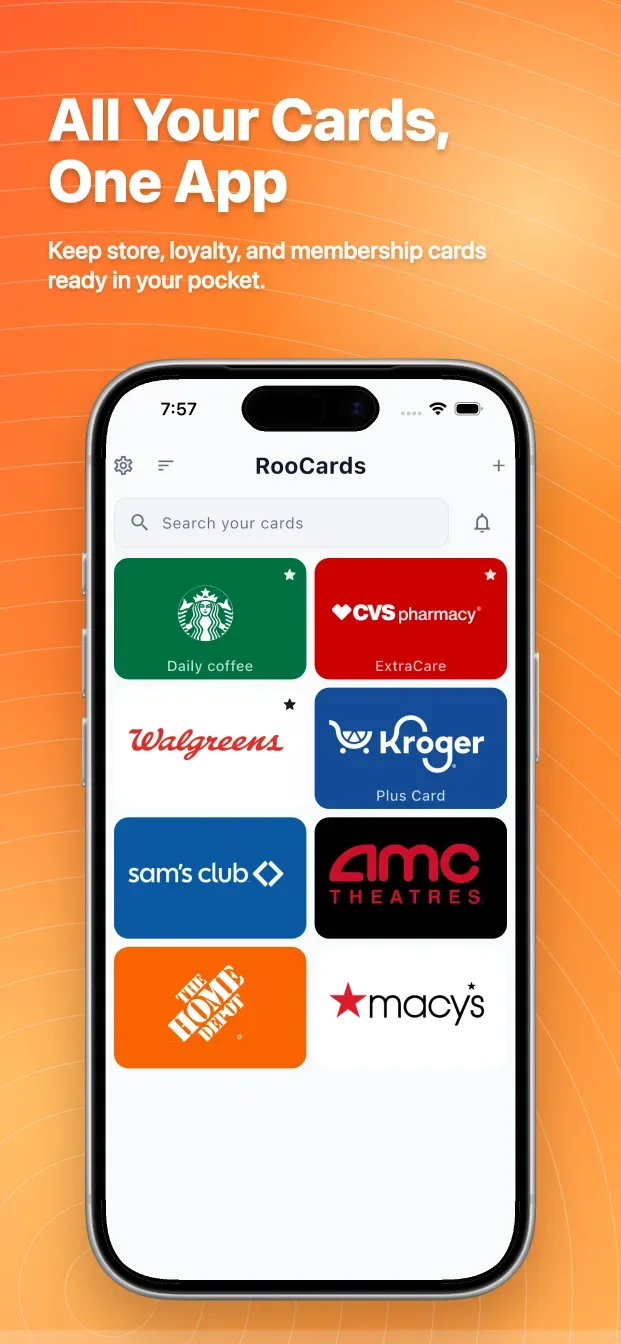
RooCards is a private loyalty card wallet for store cards, rewards cards, memberships, gift cards, vouchers, barcodes, and QR codes. On iPhone, it helps you keep everyday cards close with widgets, Spotlight search, and Apple Wallet for eligible cards, without requiring an account to get started.
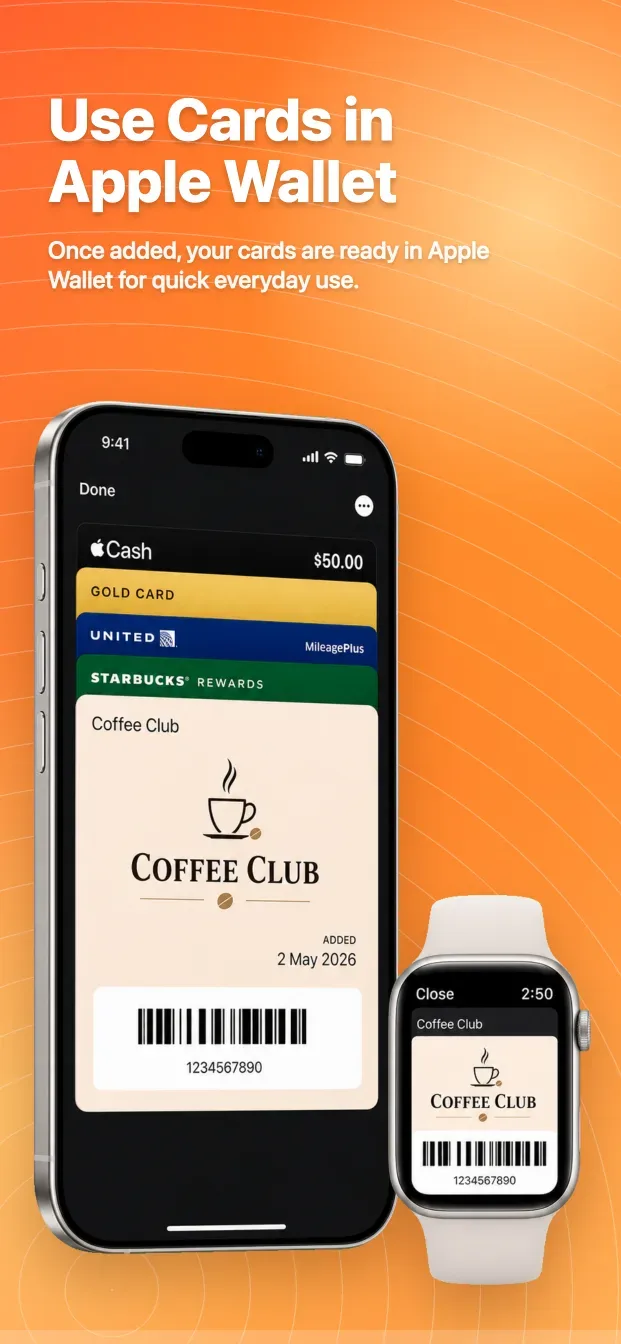
Apple Wallet
RooCards Plus unlocks the full Apple Wallet experience for eligible cards.
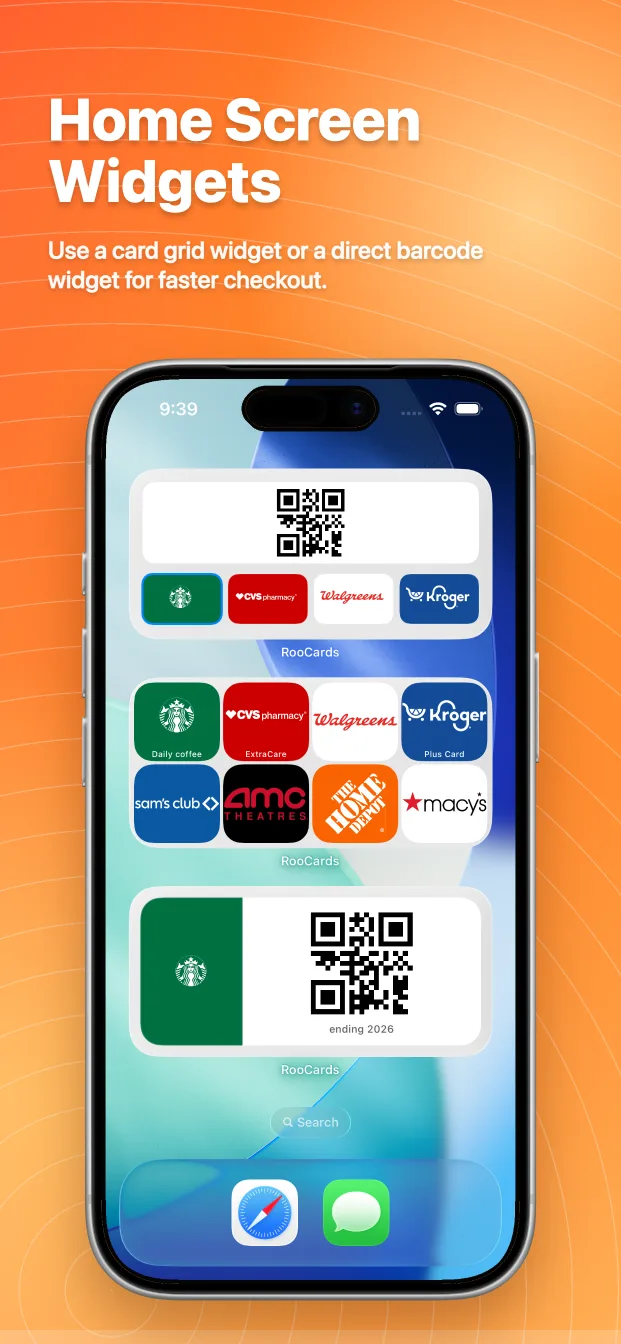
Widgets
Use barcode and QR widgets for faster scanning at checkout
Import
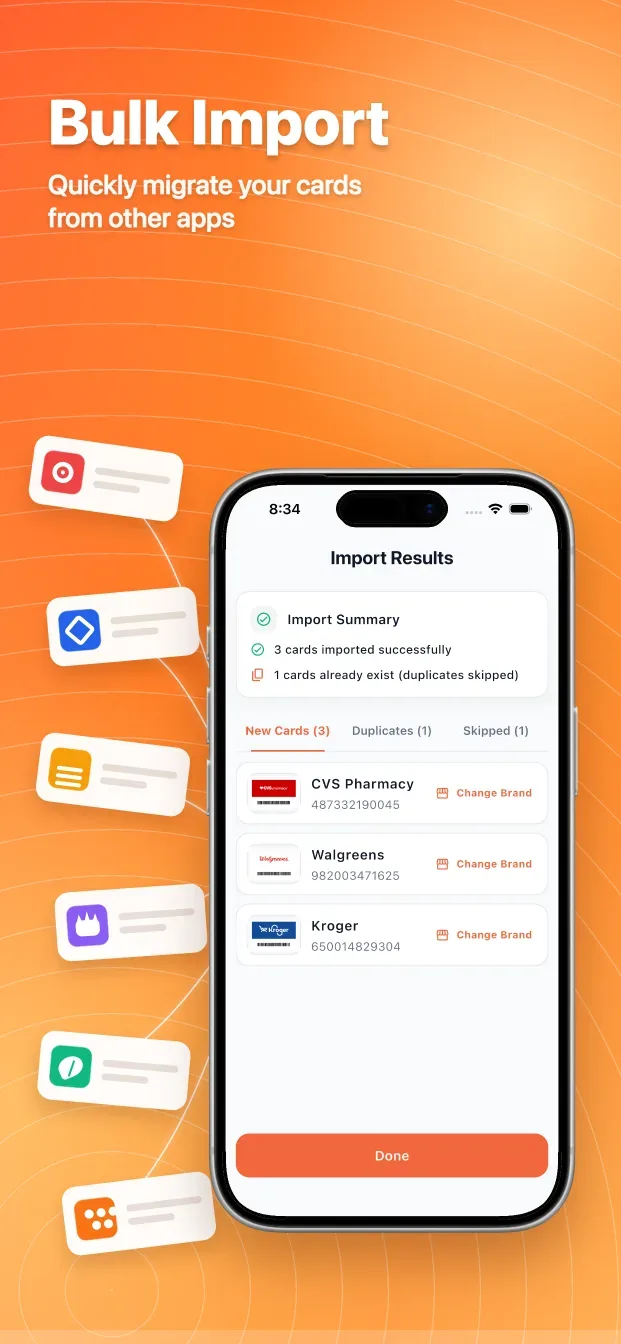
Scan a card, add its details manually, or bring several saved card screenshots into RooCards at once.
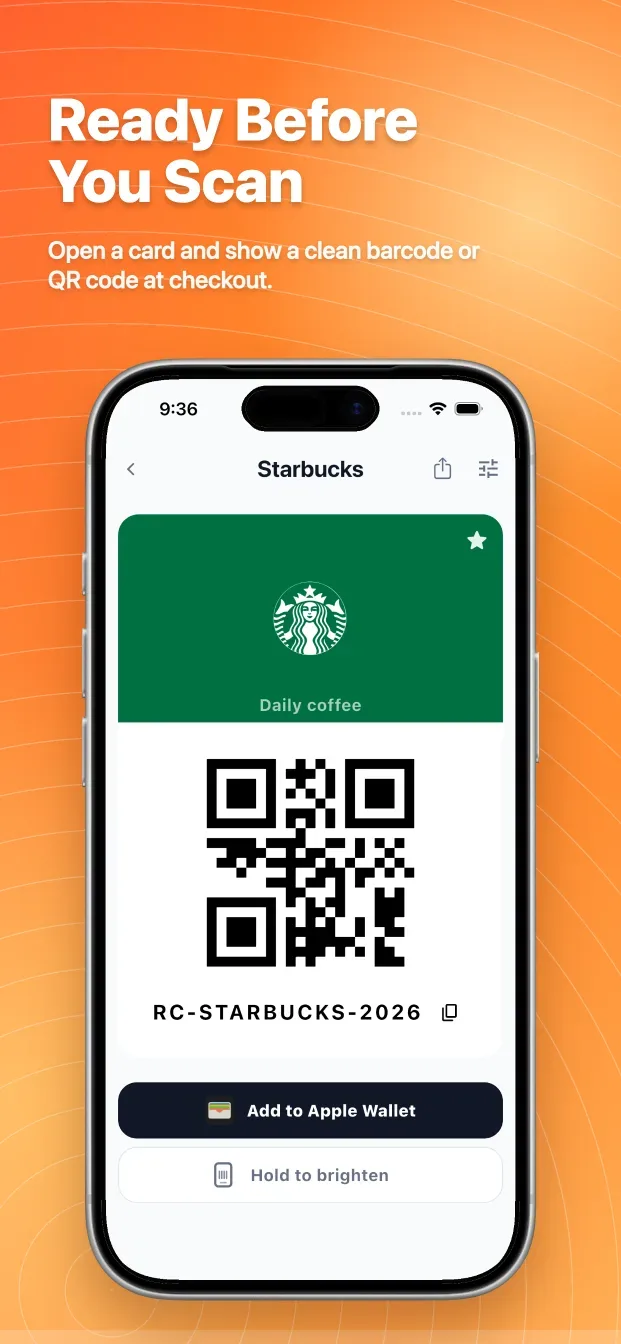
Ready to scan
Store loyalty cards, store cards, rewards cards, membership cards, gift cards, vouchers, barcodes, QR codes, and more
Privacy
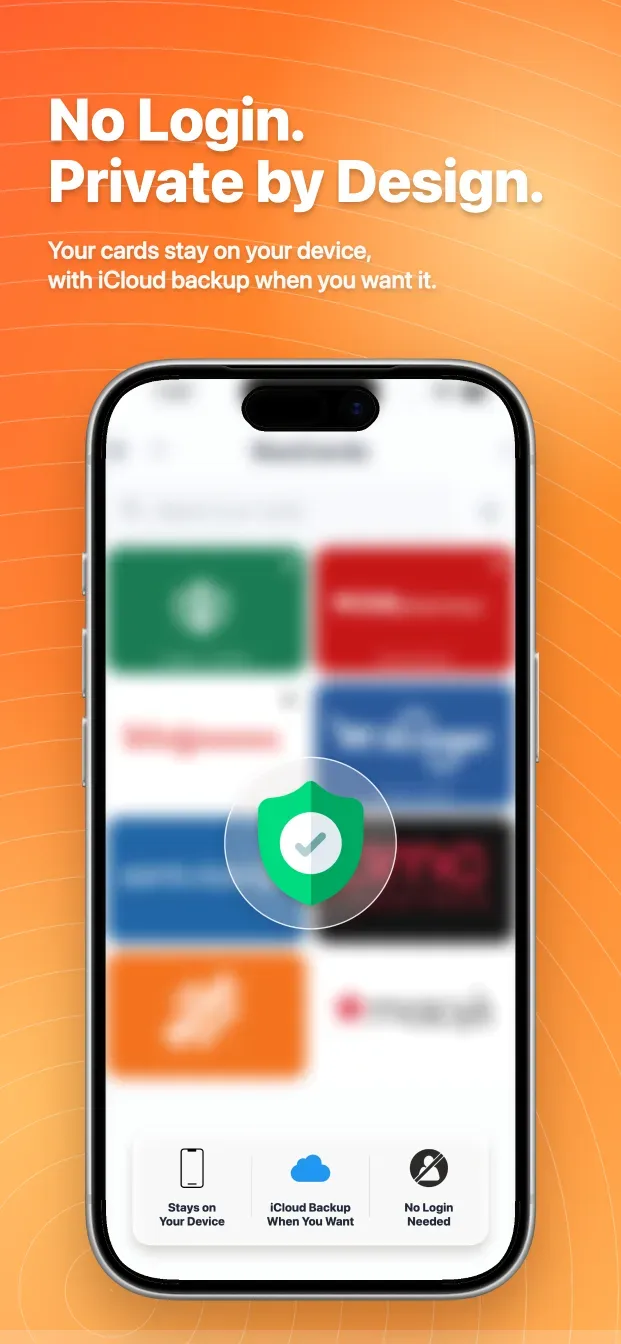
RooCards is built for simple, private, everyday access. Your card data stays on your device unless you choose to back it up or share it. Card data stays on your device by default. iCloud Backup is optional and restores manually; it is not live sync.
Use your cards without creating an account
Card data stays on your device by default. iCloud Backup is optional and restores manually; it is not live sync.
RooCards is built for simple, private, everyday access. Your card data stays on your device unless you choose to back it up or share it.
RooCards
The app is designed to stay out of the way when the scanner is ready.
Add supported cards to Apple Wallet for quick access on iPhone and Apple Watch
Keep favorite cards close with Home Screen card widgets
RooCards is built for simple, private, everyday access. Your card data stays on your device unless you choose to back it up or share it.
FAQ
Add supported cards to Apple Wallet for quick access on iPhone and Apple Watch RooCards Plus unlocks the full Apple Wallet experience for eligible cards. A card still needs a code format Apple Wallet supports. If it is not eligible, RooCards keeps it ready to scan in the app.
Keep favorite cards close with Home Screen card widgets Use barcode and QR widgets for faster scanning at checkout On iPhone, tap a card tile in a medium or large widget to switch the barcode or QR code that stays ready to scan.
RooCards is free to download. RooCards Plus unlocks the full Apple Wallet experience for eligible cards. A card still needs a code format Apple Wallet supports. If it is not eligible, RooCards keeps it ready to scan in the app.
Android provides basic saved-card, barcode, and QR-code storage and display. Apple Wallet, Home Screen widgets, Spotlight, and iCloud Backup belong to the current iPhone experience.
Need the details?
MarcX keeps the longer RooCards guides, setup notes, and search-focused help pages in one place.
RooCards Plus unlocks the full Apple Wallet experience for eligible cards.
Keep favorite cards close with Home Screen card widgets On iPhone, tap a card tile in a medium or large widget to switch the barcode or QR code that stays ready to scan.
Open any card quickly and show a clean barcode or QR code
Scan cards or import card details from photos
MarcX keeps the longer RooCards guides, setup notes, and search-focused help pages in one place.
Keep your everyday cards in one fast, private app.